windowpane
what is this?
windowpane is an engine for making strange sequential art.
drop pictures, videos, text, or even games into the folder, and then add your own styling and music
it requires node, but besides that, you can use whatever software you like to create an interactive story.
please see the README in the folder for more details
example windowpane games
Download
Click download now to get access to the following files:
Comments
Log in with itch.io to leave a comment.
Hi, this is really neat, but I'm having a problem where the 'title page' doesn't display the first page but just has a missing image, and then the next page displays the first page. All I changed was deleting the files that were in ./assets/pages and replacing them with my own. The first page is still '1.png' so I wouldn't think that would've broken anything. I couldn't see anything in the scripts or config files that seemed to explain it.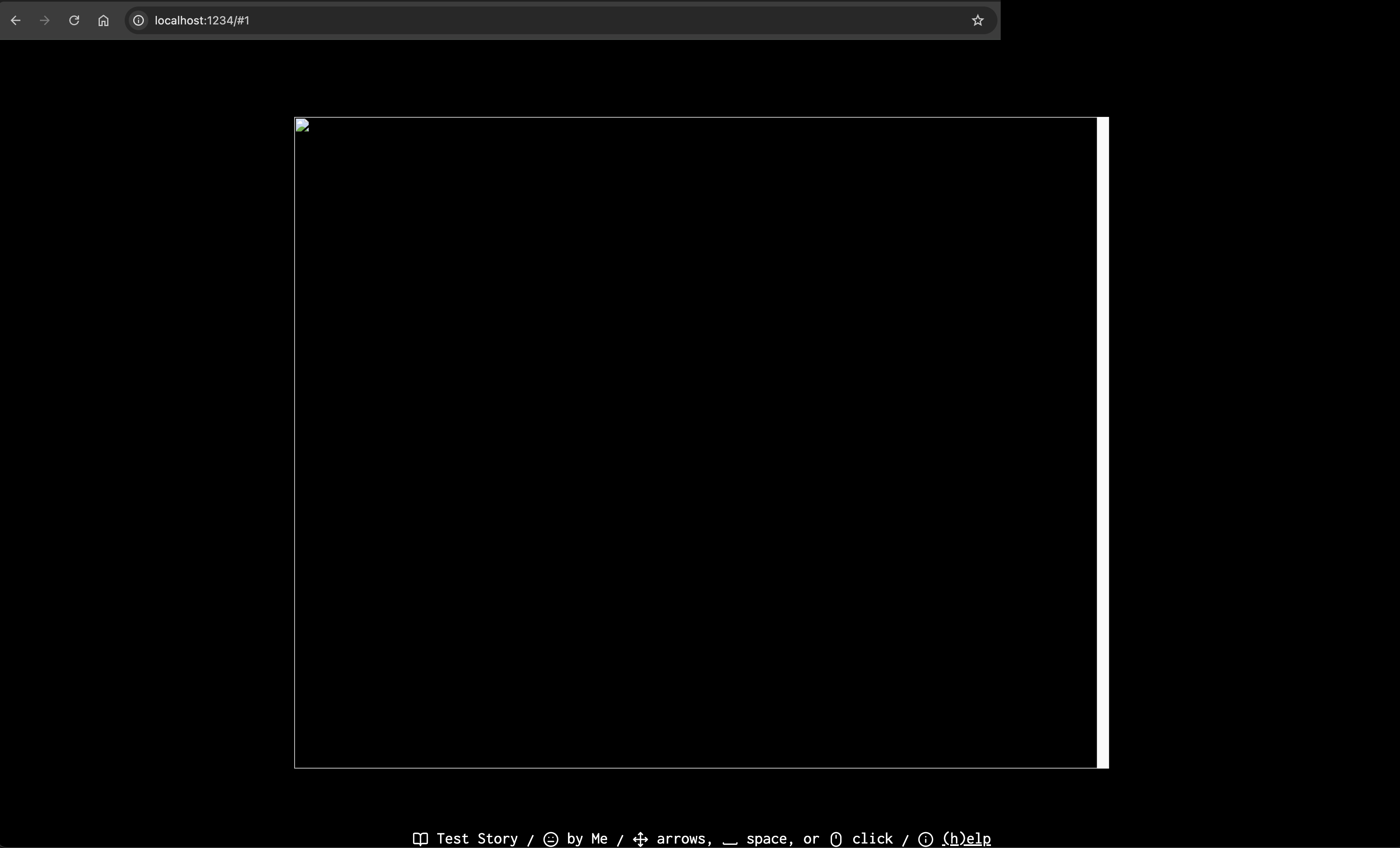

can you hit f12 on your browser after this happens and show me the result of the "console" tab? thanks
It looks like it's trying to load '.DS_Store' as the first page, but that file doesn't exist (I checked both the folder and my trash for hidden files just in case I'd accidentally deleted it when I deleted the original demo pages.)
had the same issue, the .DS_Store is an autogenerated macOS file, iirc it doesn’t display with ‘command + shift + dot’. here’s my workaround that doesn’t touch the engine & seems to work both with the dev build & the dist build:
in your terminal, run:
find . -name ".DS_Store" -type f -deletei’m not a programmer but what this command does is:
findsearching function.(. stands for current directory,..would take you to your parent directory)-namematch by filename (filename is “.DS_Store”)".DS_Store"string value that-nameuses-typetalks tofind, so-type fwill say “please look forf”fstands for file, you can usetype *d*to search for directories instead of files-deletetellsfindto delete things matching the earlier criteria. -name ".DS_store" -type fthanks for the diligent work! i've uploaded a new version that *should* take care of this, but i can't reproduce it on my non-macOS machine, sadly, so i'm not certain if it works. let me know if it does!
it worked perfectly, thanks so much! ◡̈
That worked, thanks!
this tool is so seamless and intuitive and it's everything i've been looking for in a web game engine. i can't wait to play with this some more and test its limits - thank you for releasing it!
oh nice, thanks for this < 3
Very interesting possibilities here.
Haven’t taken it for a spin myself yet, but just the tutorial example you give here fucking OWNS. I am so deeply excited to see all the weird shit people make with this awesome tool (hopefully including myself)!